
Anvila Support
Need help with Anvila?
Find simple guides for creating your profile, showing your work, finding skilled professionals, and getting help when something isn't working.
I want to create an Anvila profile and show my work
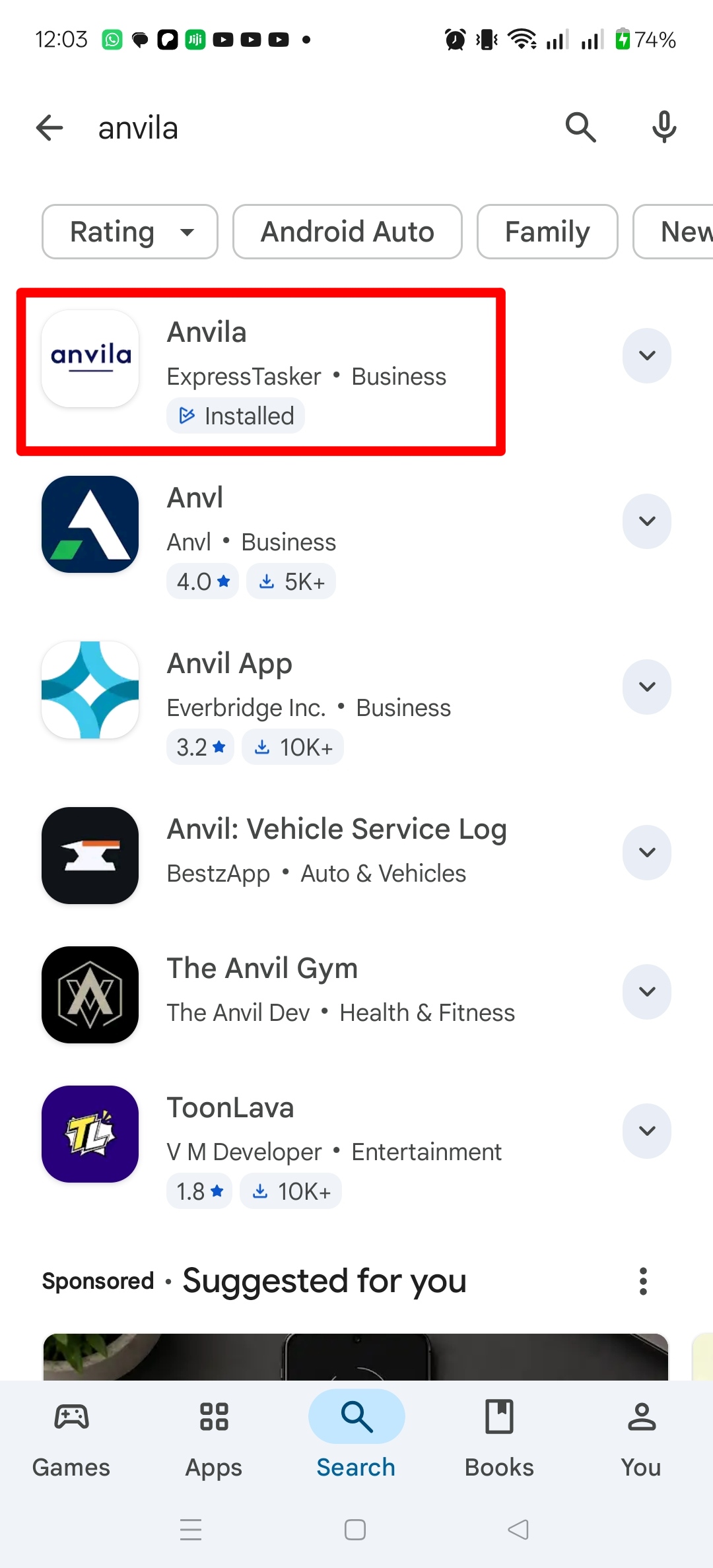
1. Download Anvila and get started
Download the app and open Anvila to begin creating your profile.
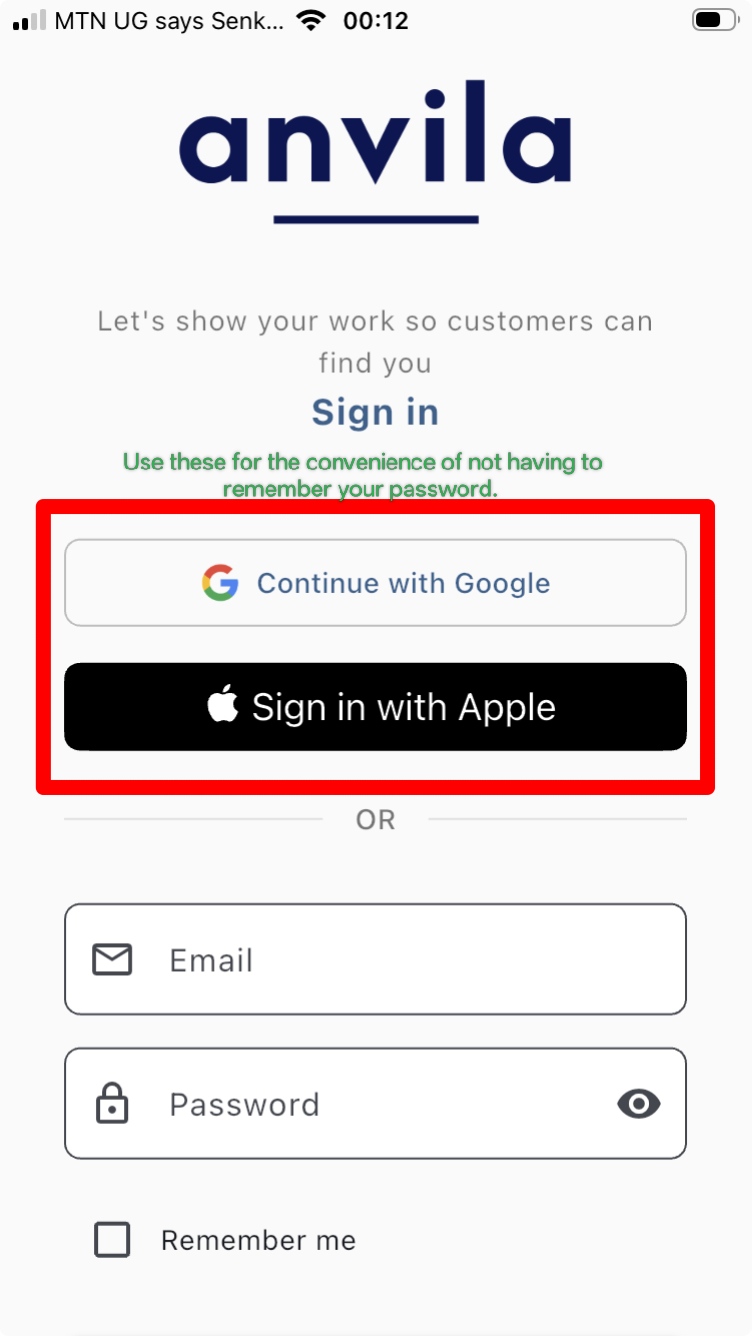
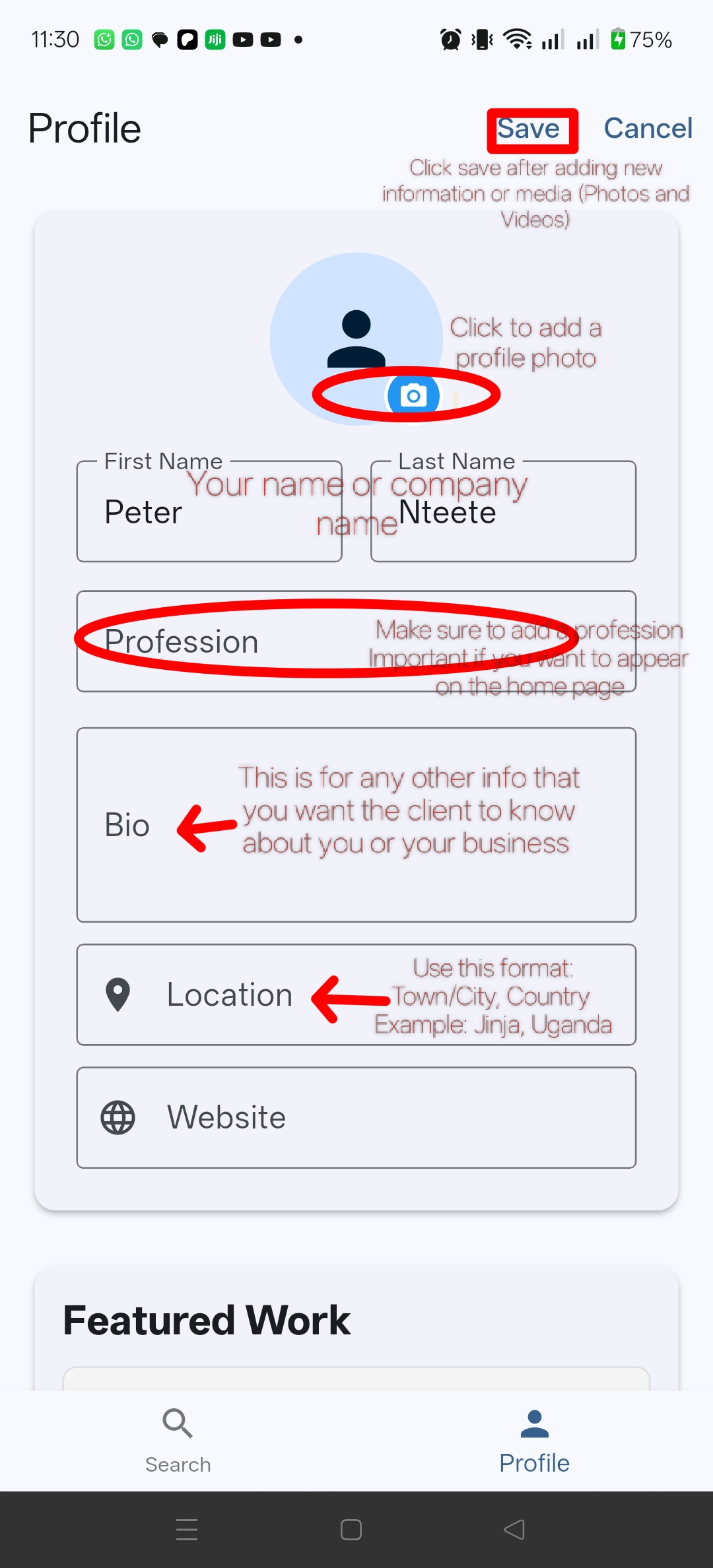
2. Create your profile
Enter your information and add the details that help people understand who you are and what you do.
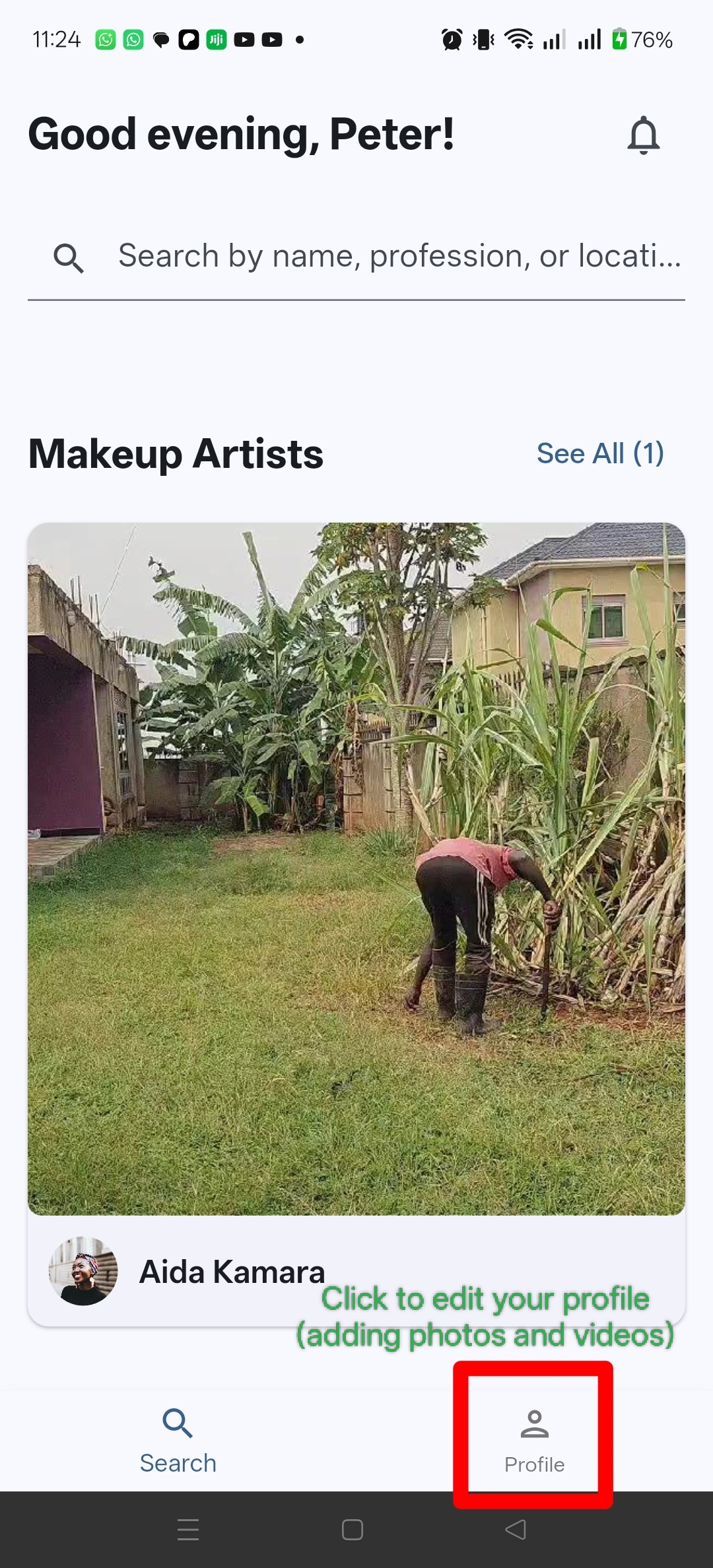
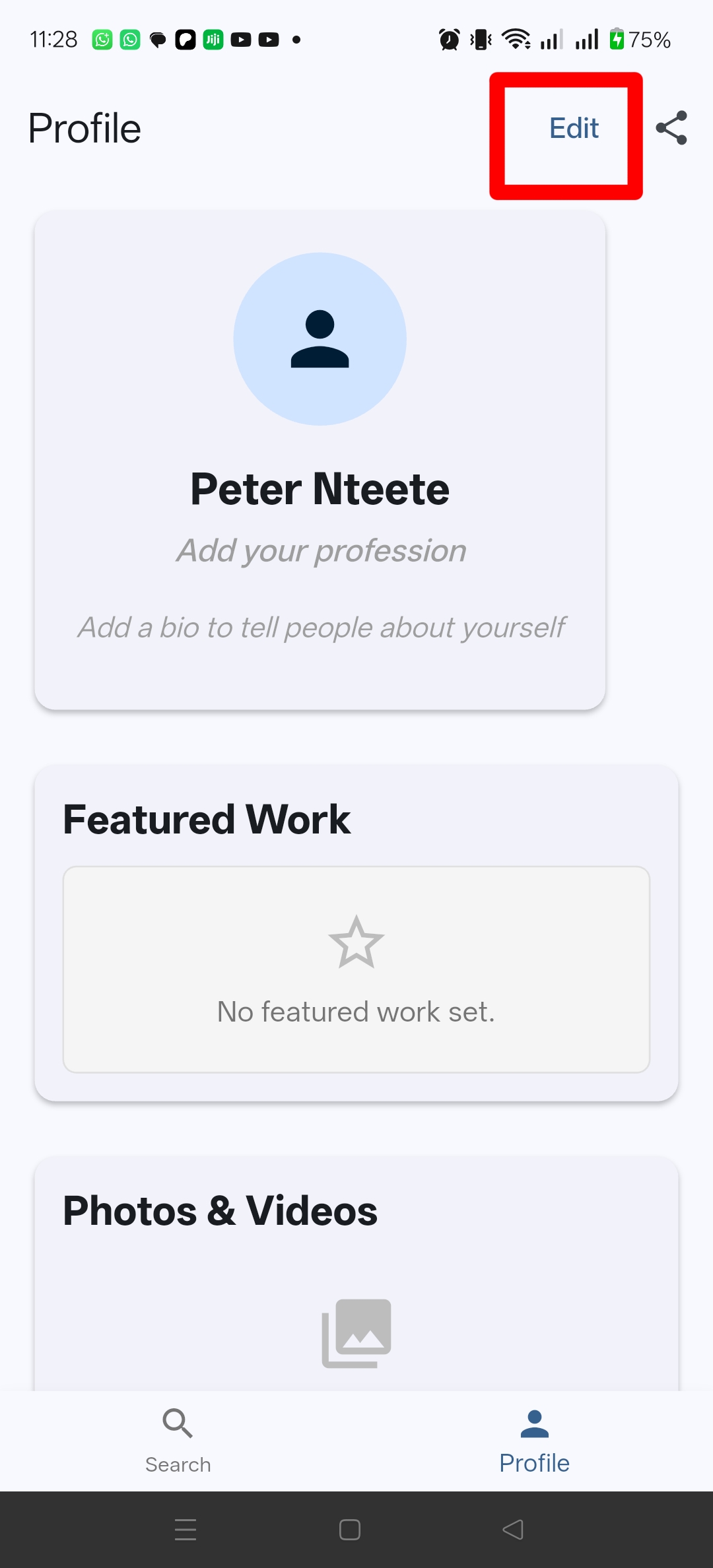
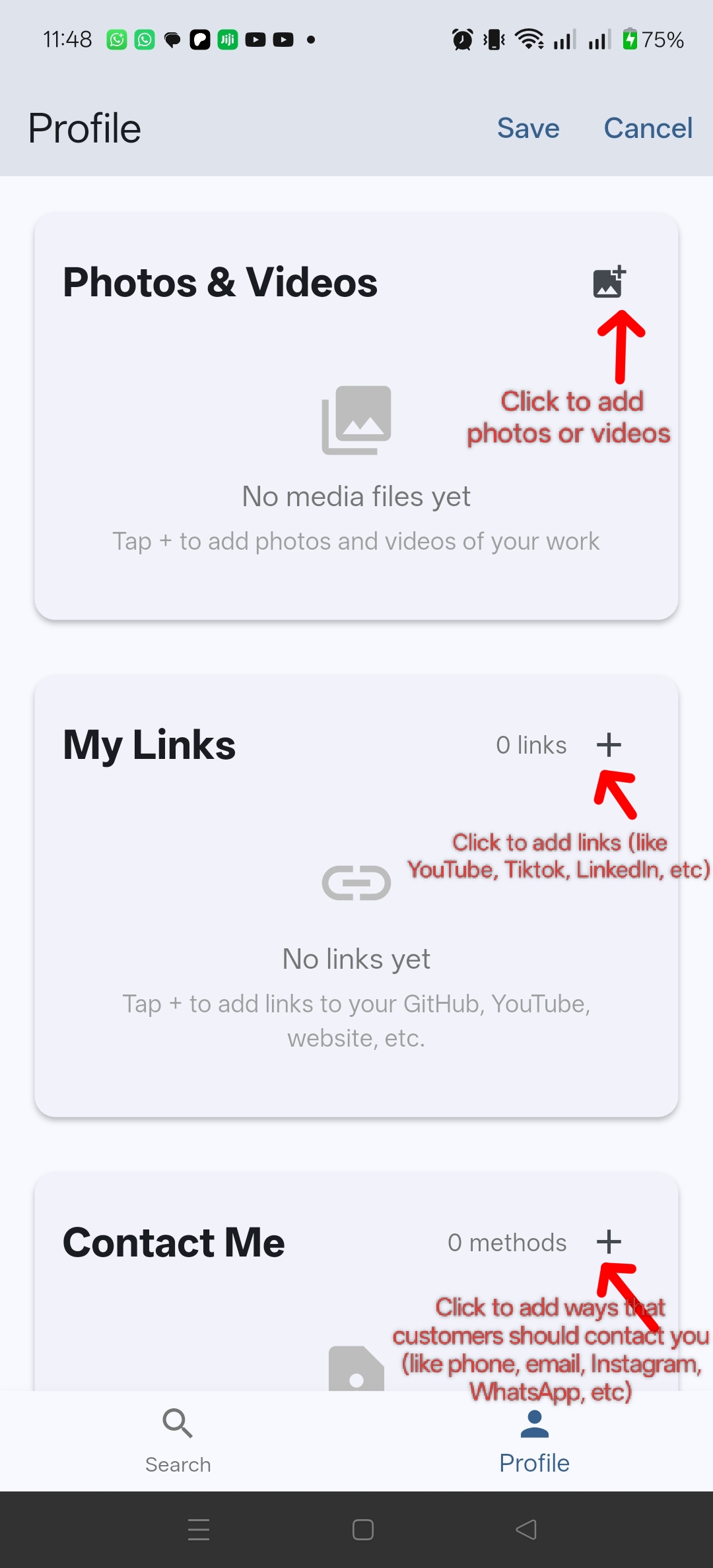
3. Show your work
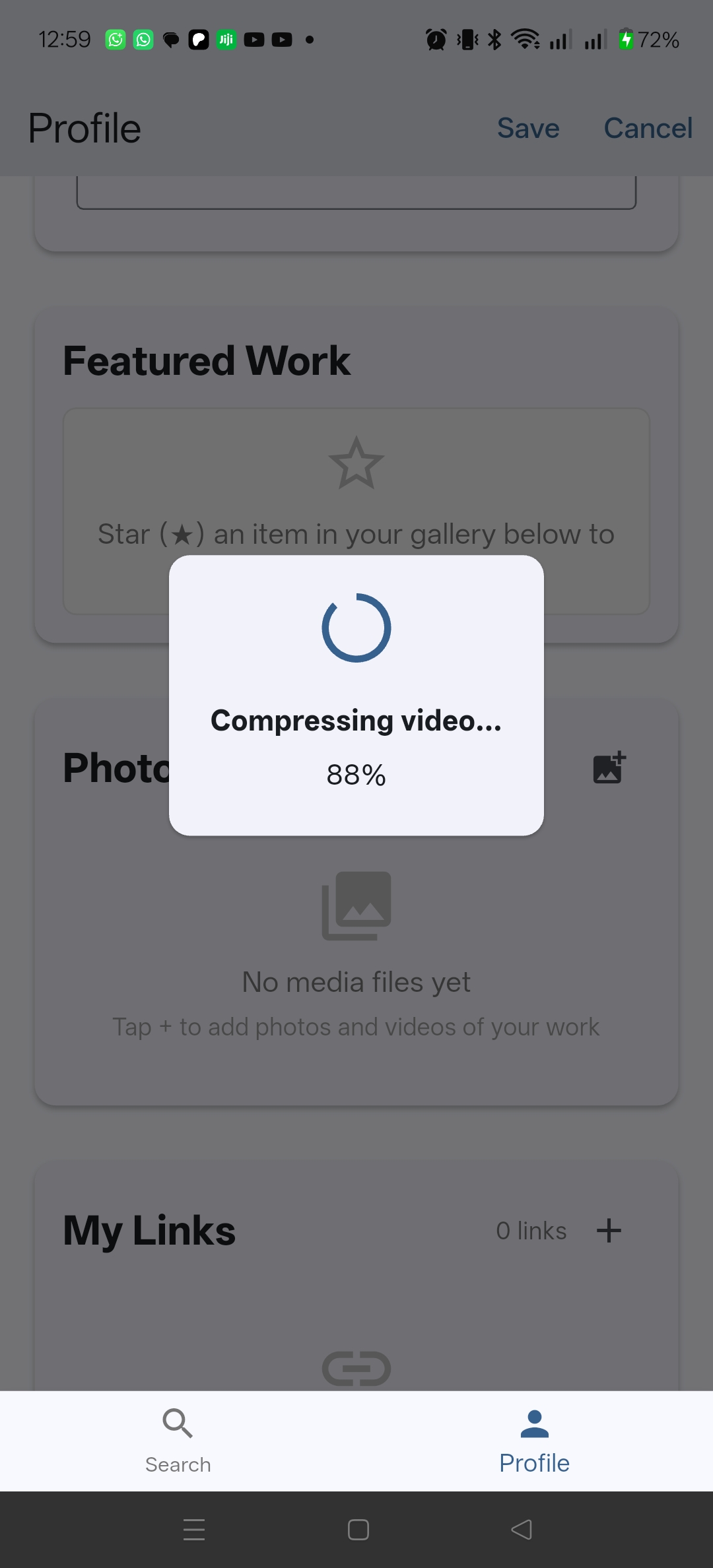
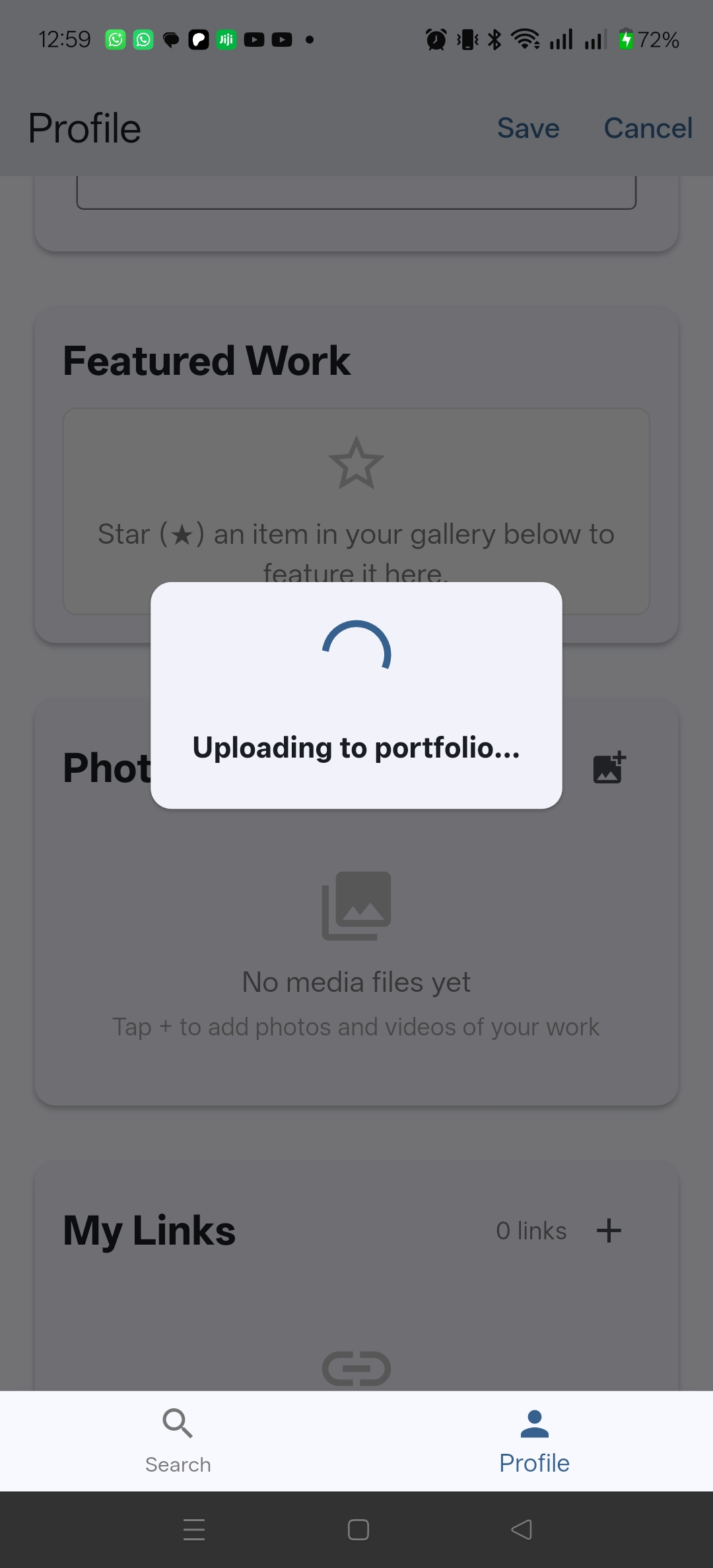
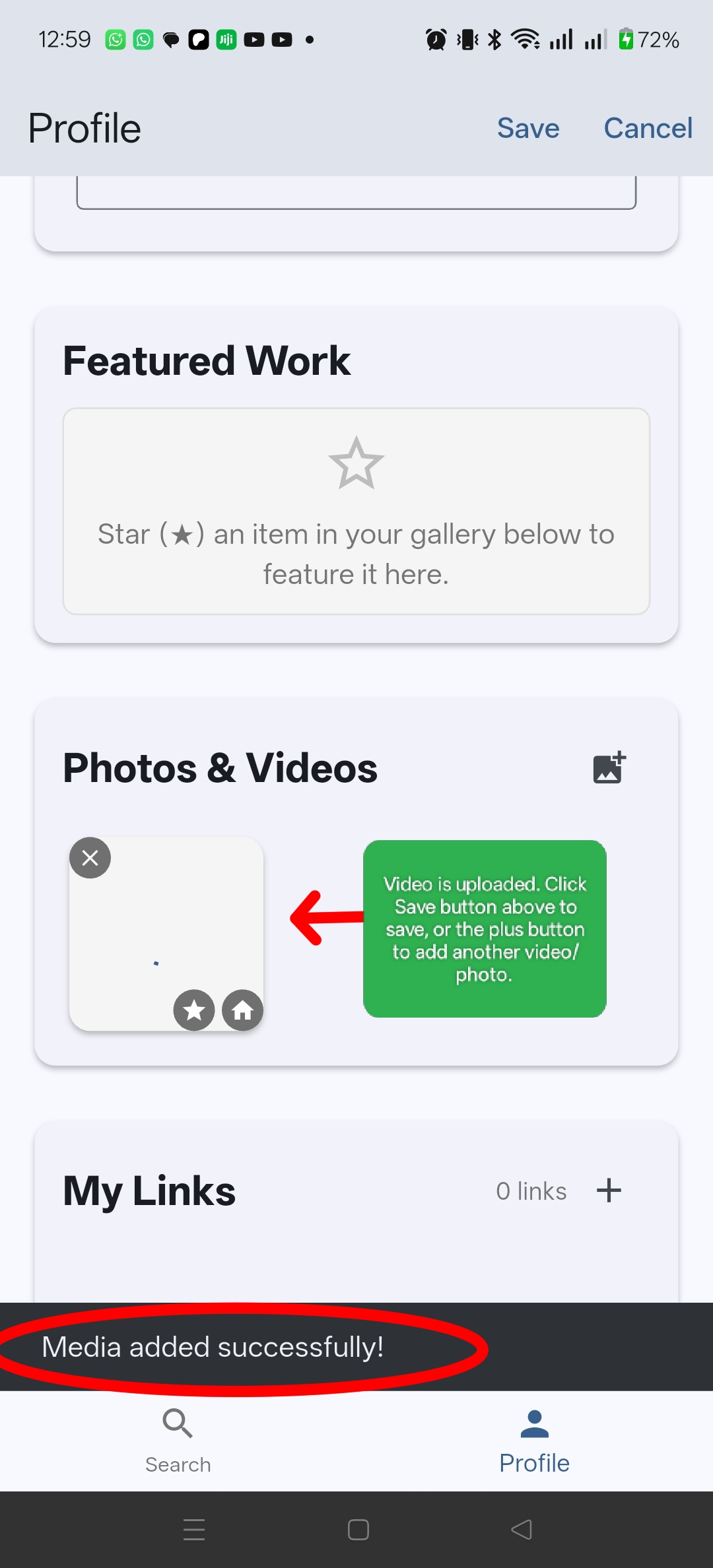
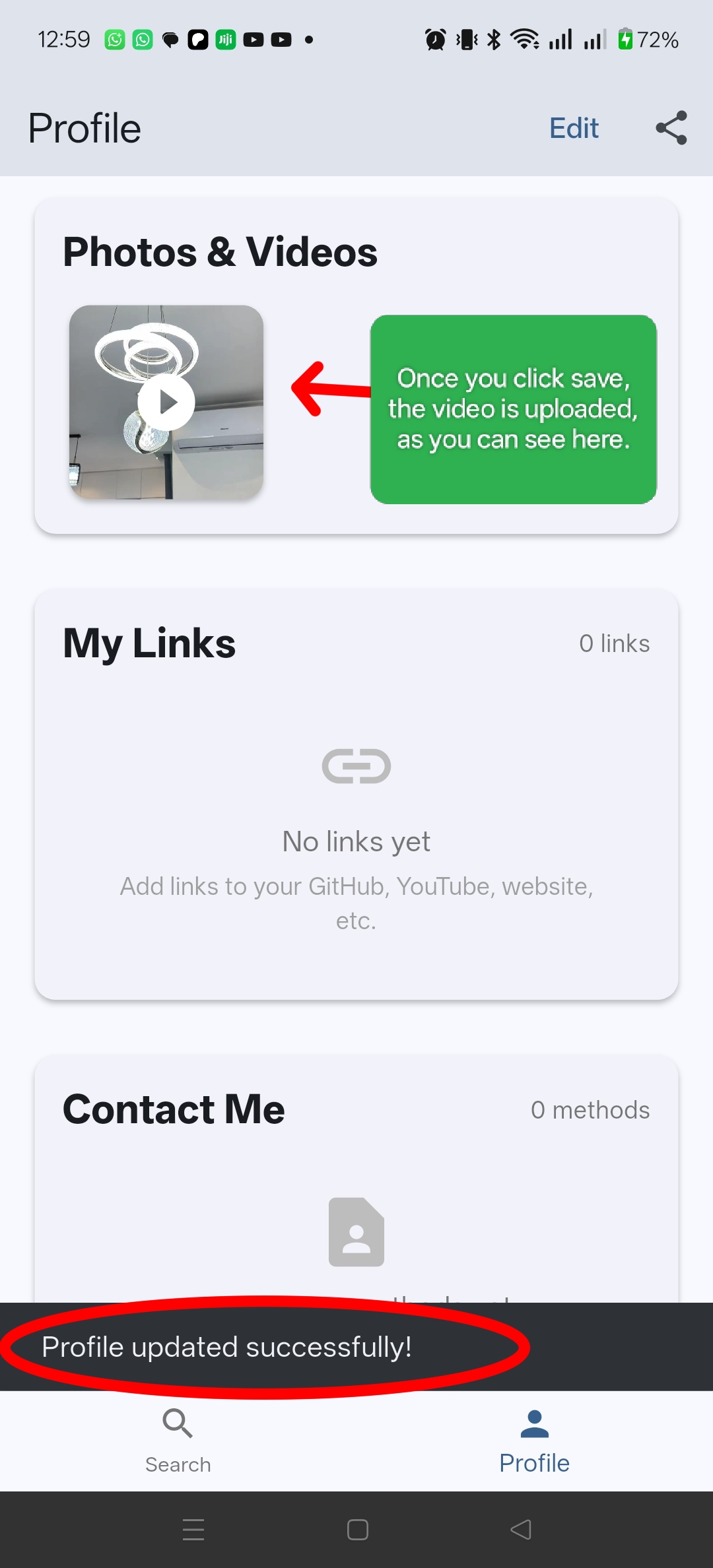
Add photos and videos of your work so potential clients can see what you can do.
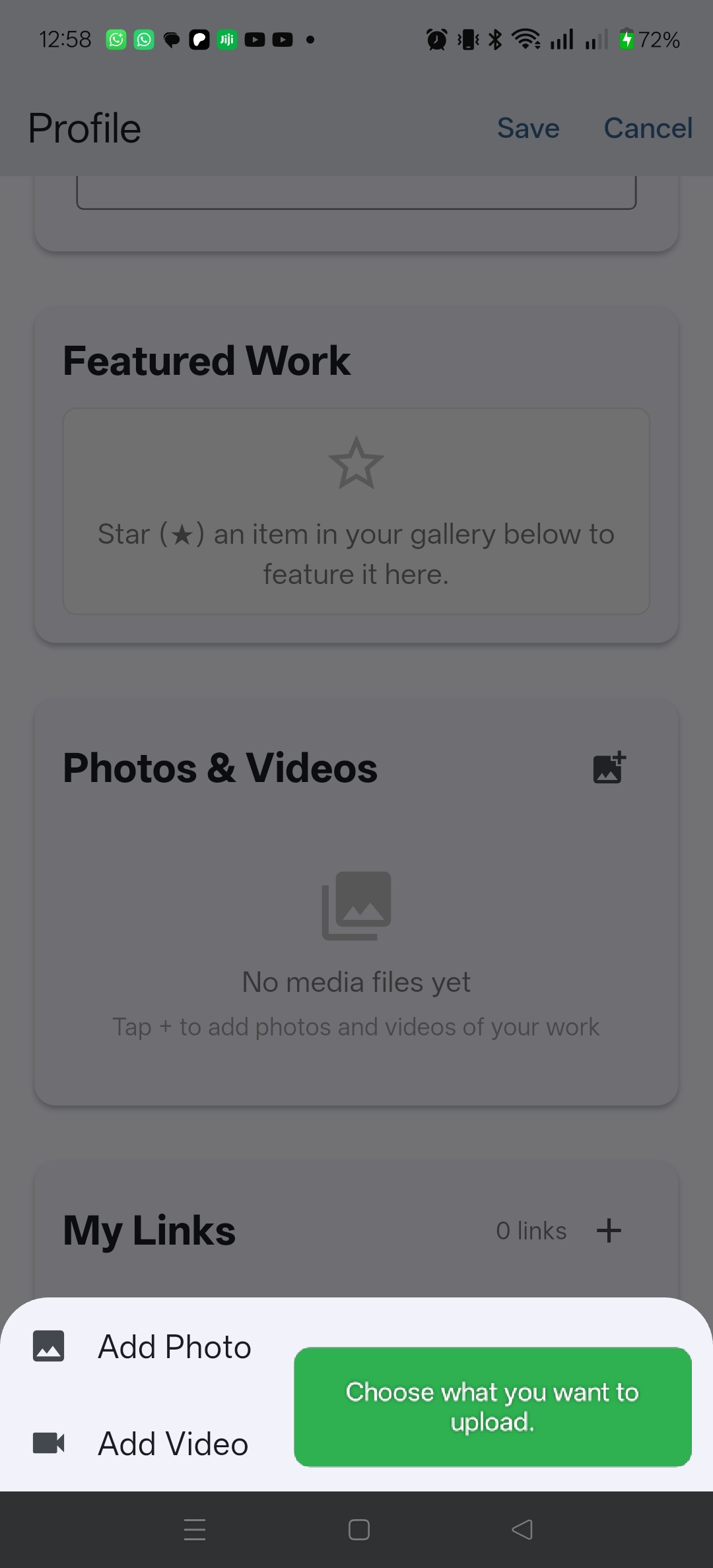
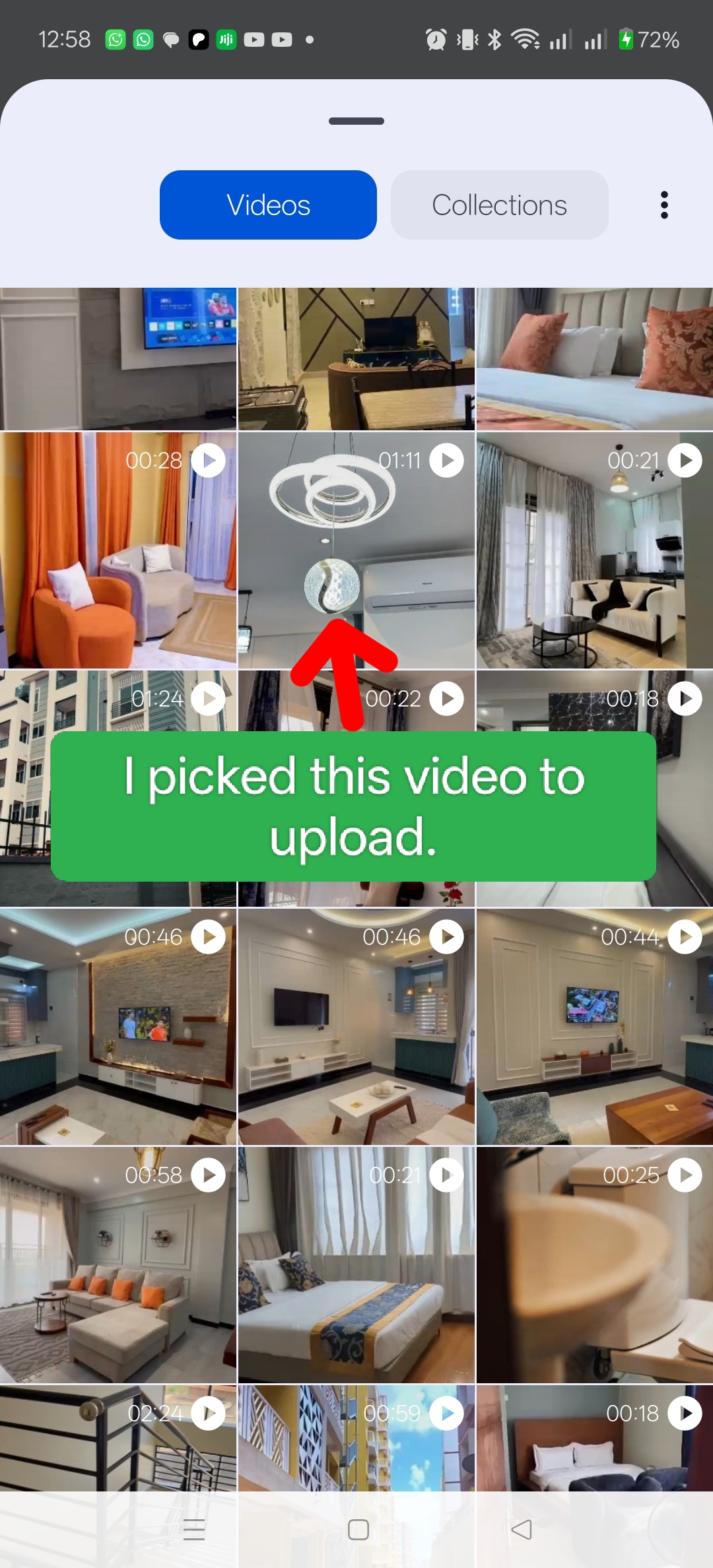
4. Review your profile
Review your information and portfolio before publishing.
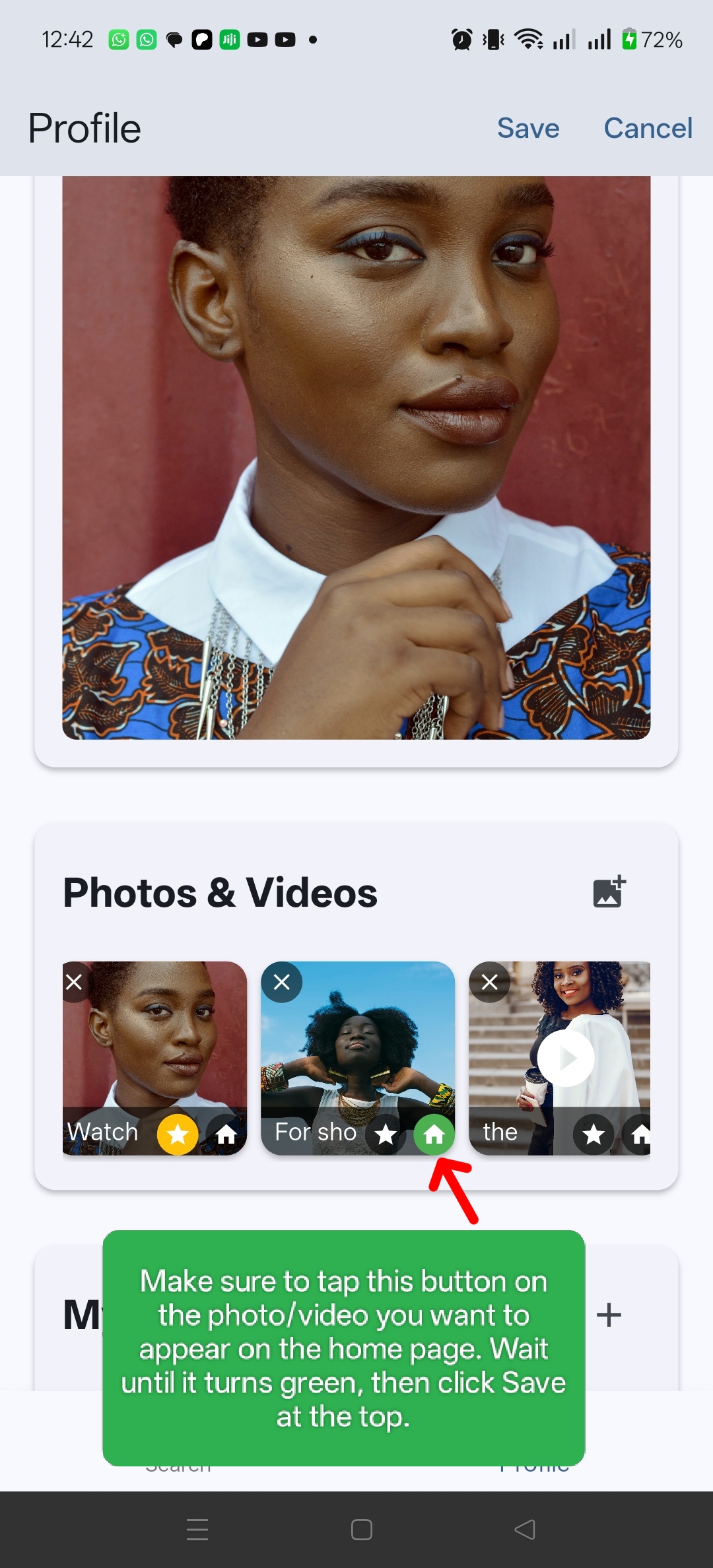
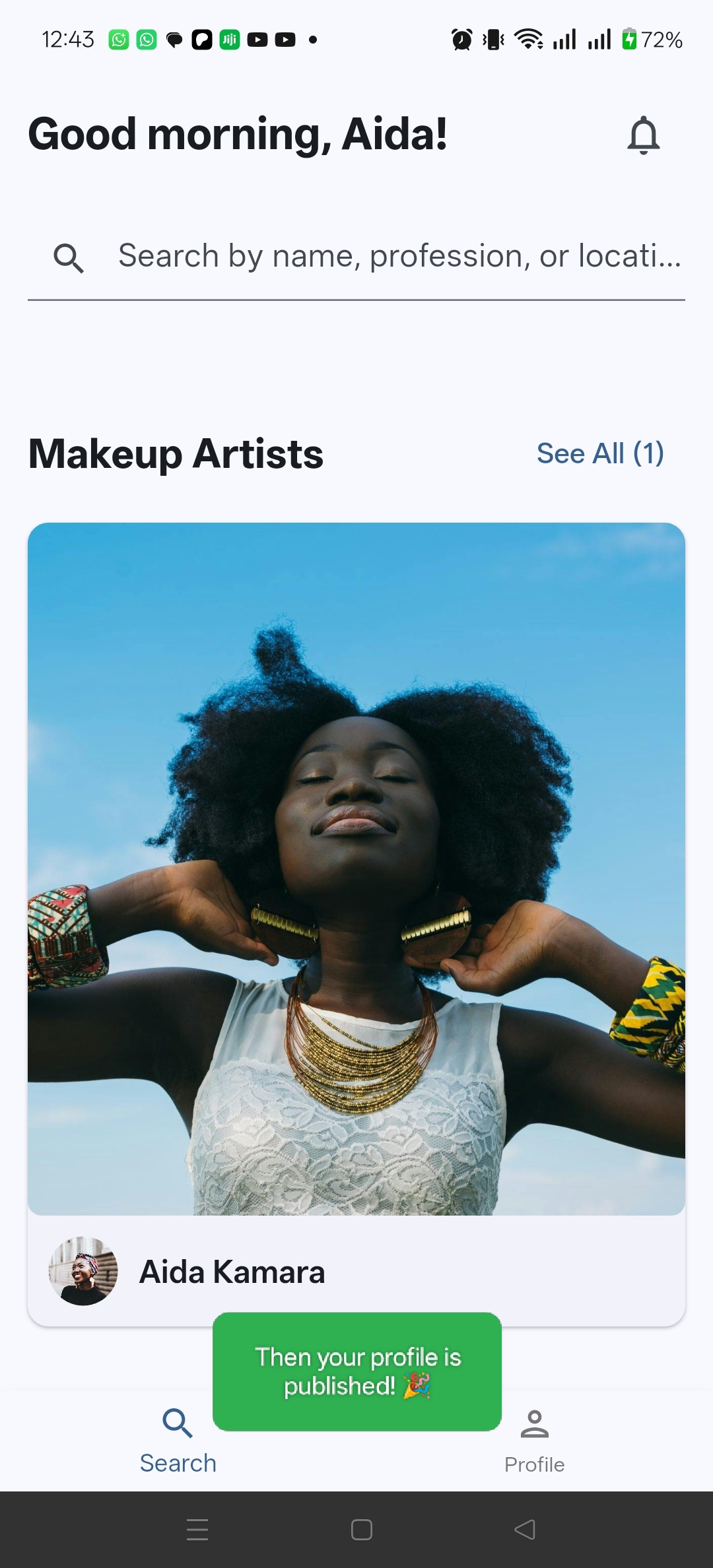
5. Publish your profile
Once you're happy with your profile, publish it so people can discover your work.
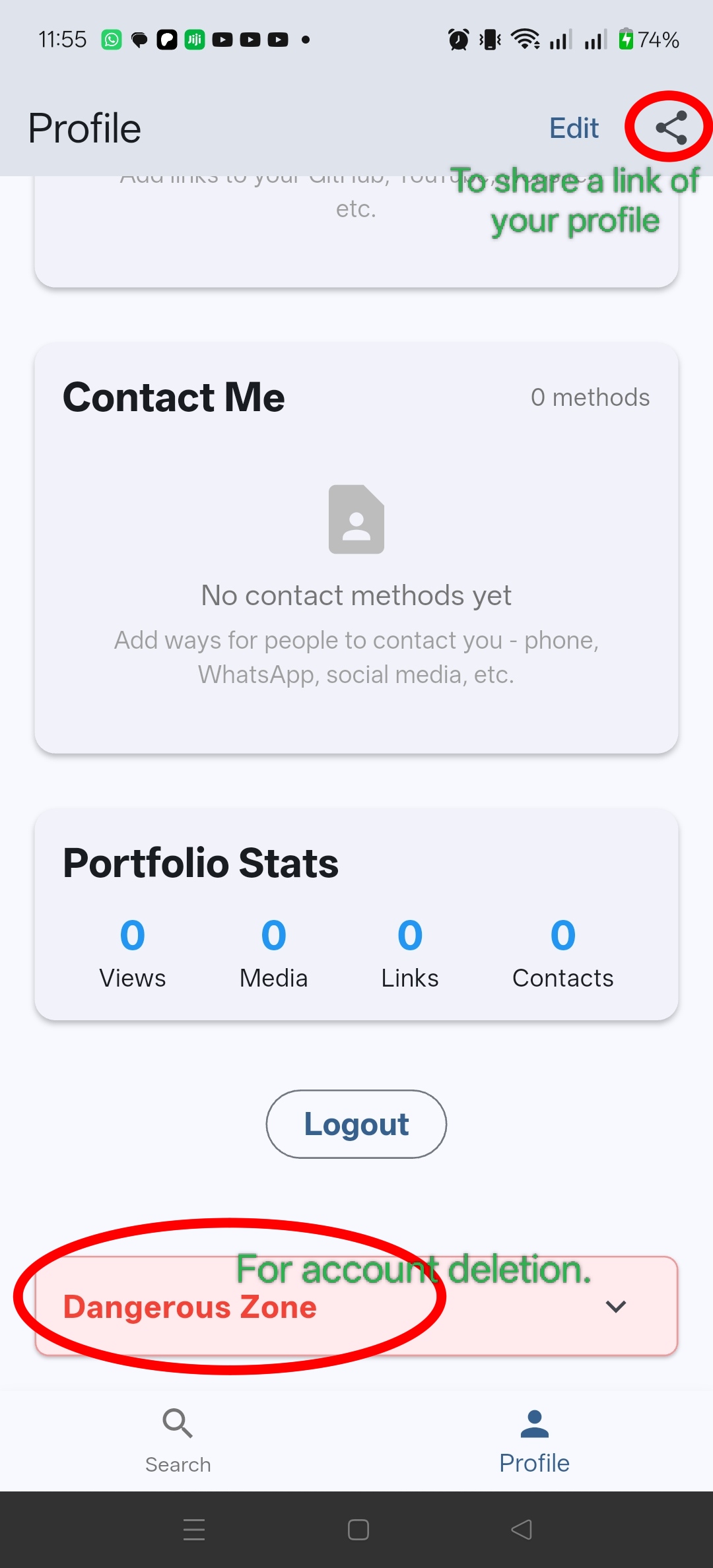
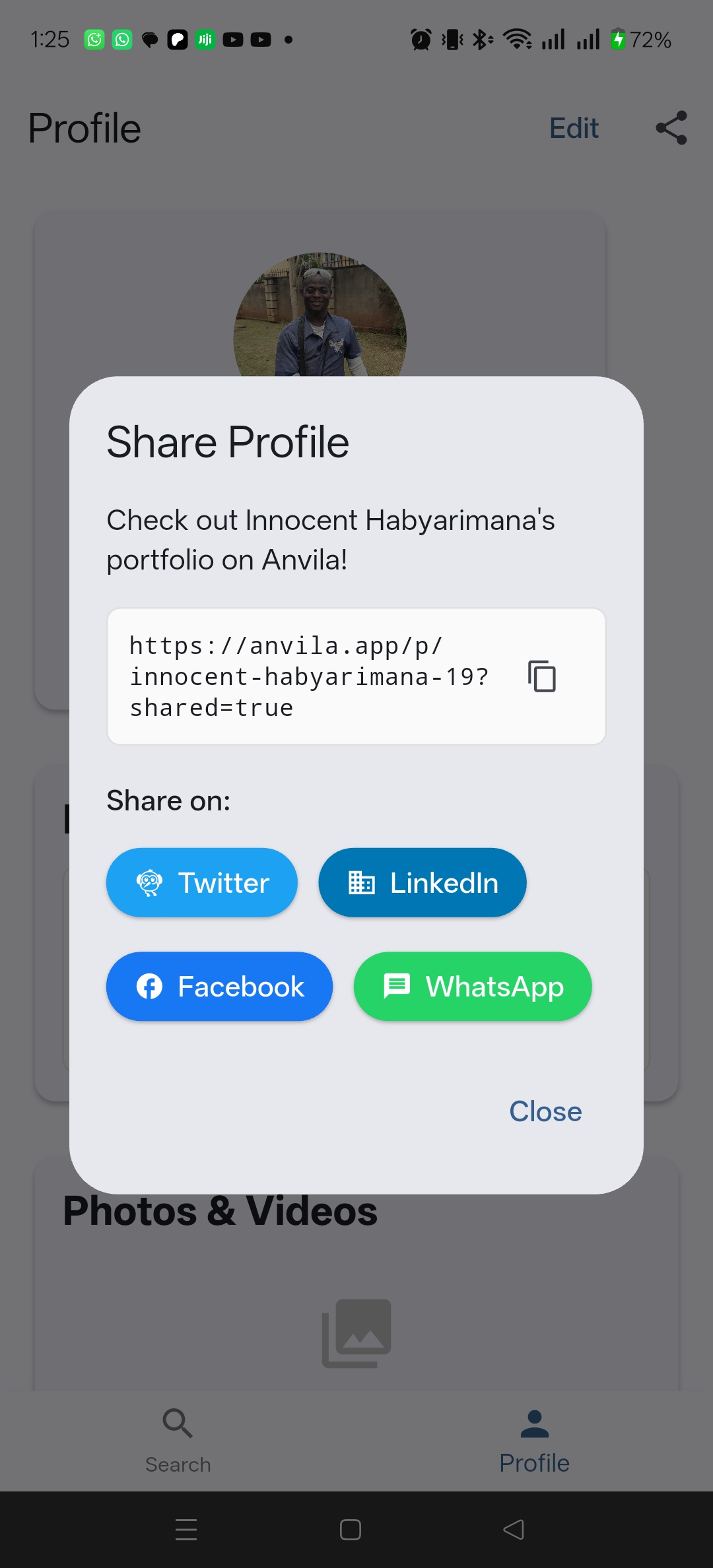
6. Share your profile with prospective clients
Share a link to your Anvila profile with people who may be interested in your work.
I want to find a skilled professional
Find someone on Anvila
Open Anvila and browse professionals to discover people whose skills and work match what you're looking for.
View their work
Open a professional's profile to see their skills, experience, portfolio and other information they have chosen to share.
Contact a professional
Use the contact details a professional has chosen to make available to get in touch with them directly.
Something isn't working
Having trouble signing in?
Check that you're using the correct sign-in method and that your connection is working. If you still can't access your account, contact us.
Having trouble uploading?
Check your connection and try again. If the problem continues, let us know what you were trying to upload and what happened.
Still need help?
Email us at anvila.app@gmail.com.